

Apps / PDF workbench
PdfCraft
Open-source take on Adobe Acrobat
Read, organize, combine, split and secure PDFs in a fast, native app written in Rust.
v0.6.0 · 2026-10-11T01:34:01Z · MIT OR Apache-2.0
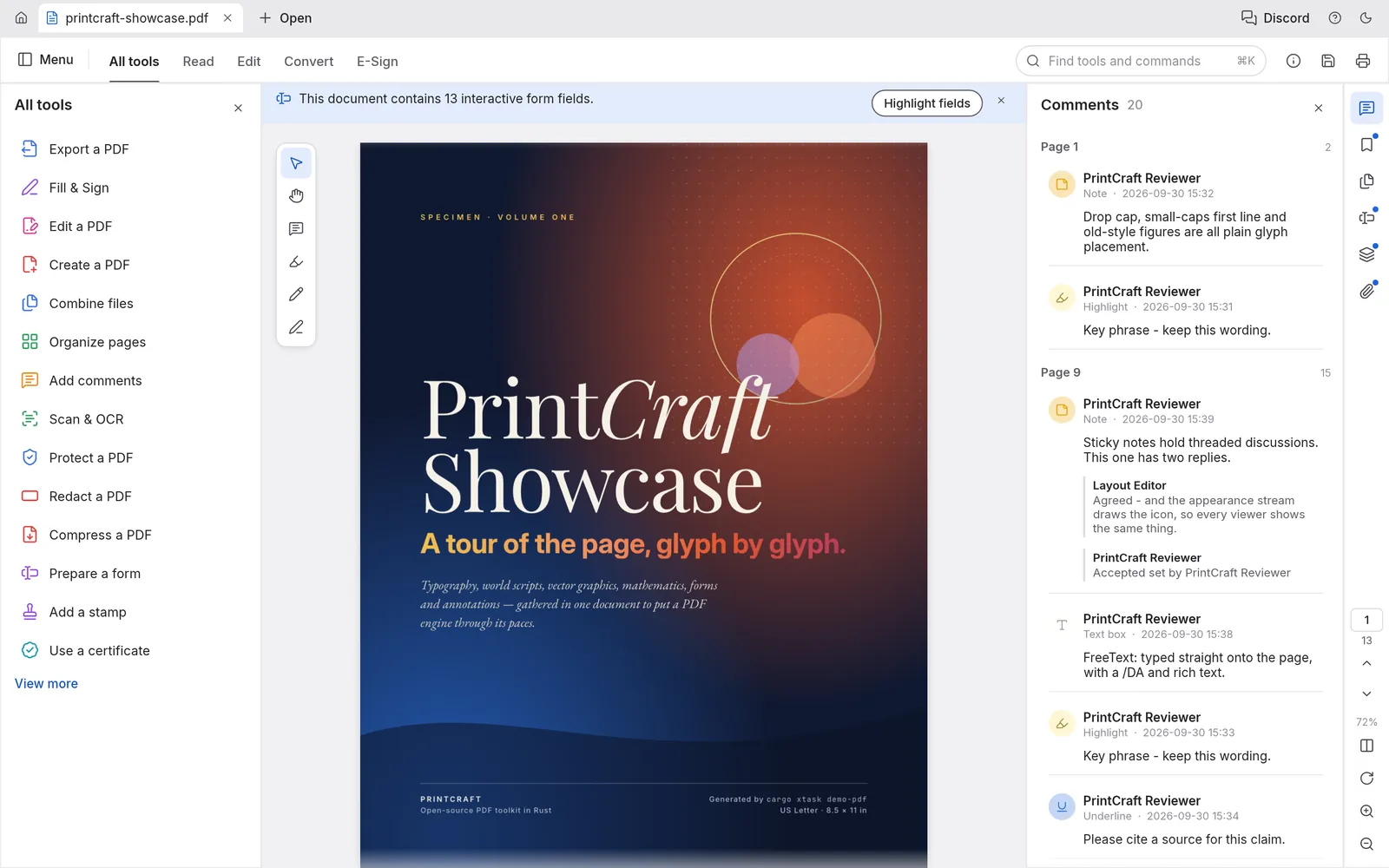
Screenshot from PdfCraft (MIT OR Apache-2.0) · ATTRIBUTION
02/ Highlights
- 01
Faithful rendering, find, select and copy
- 02
Organize pages; combine and split documents
- 03
Comments, forms, layers and attachments
- 04
Command palette: every tool one keystroke away
Summarised from the project README at github.com/storytold/pdfcraft
03/ Screenshots
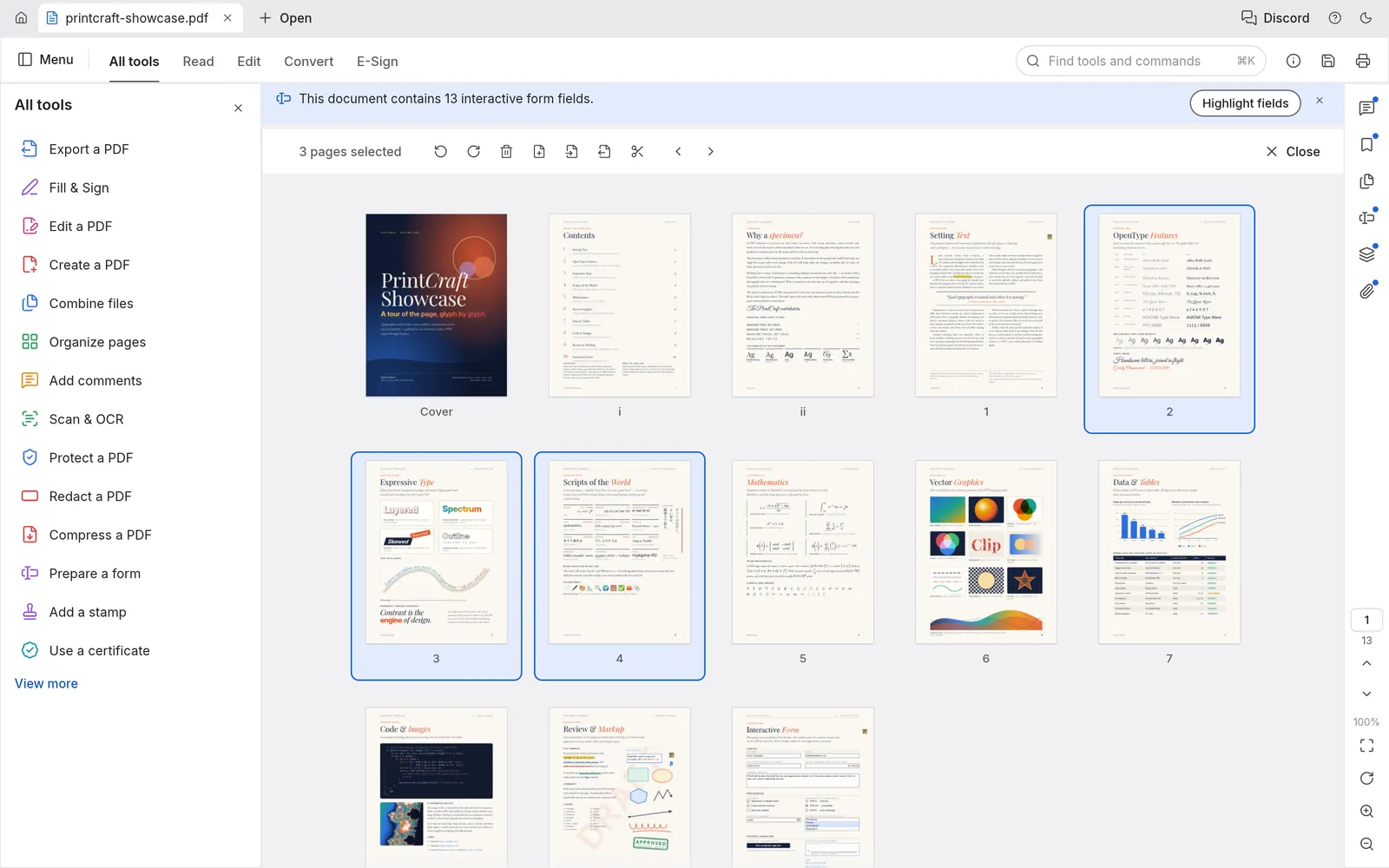
Organize pages
Screenshot from PdfCraft (MIT OR Apache-2.0) · ATTRIBUTION
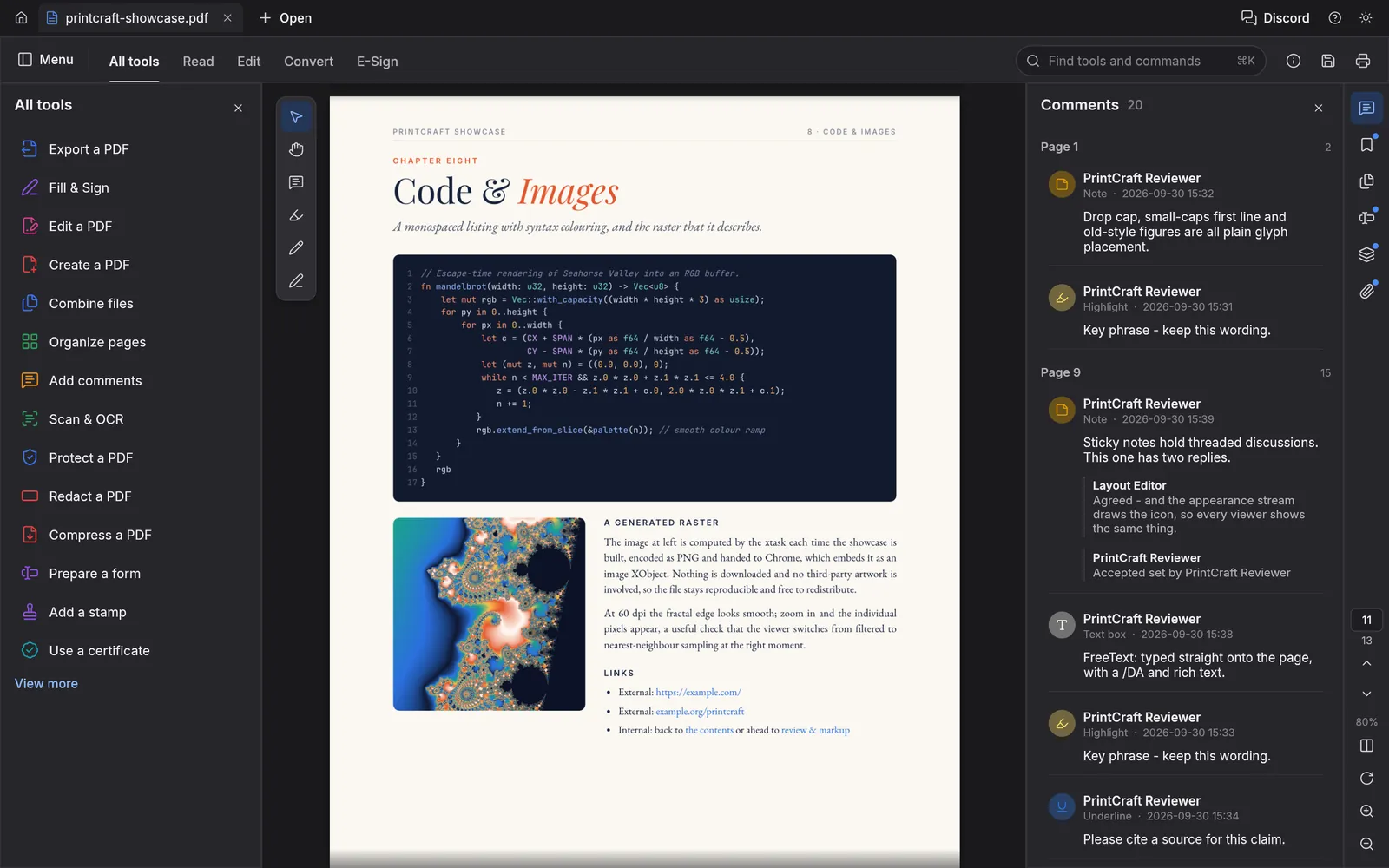
Dark theme
Screenshot from PdfCraft (MIT OR Apache-2.0) · ATTRIBUTION
04/ Download v0.6.0
macOS
Disk image (.dmg)
Universal (Apple silicon + Intel)
Command-line tool ((.zip)
Universal (Apple silicon + Intel)
Windows
Installer (.msi)
x64
Portable (.zip)
ARM64
Installer (.msi)
ARM64
Portable (.zip)
x64
Portable (.zip)
x86 (32-bit)
Installer (.msi)
x86 (32-bit)
Linux
AppImage
x86_64
AppImage
aarch64
Debian / Ubuntu (.deb)
aarch64
Flatpak bundle
aarch64
Fedora / RHEL (.rpm)
aarch64
Tarball (.tar.gz)
aarch64
Debian / Ubuntu (.deb)
x86_64
Flatpak bundle
x86_64
Fedora / RHEL (.rpm)
x86_64
Tarball (.tar.gz)
x86_64
Command-line tool ((.tar.gz)
aarch64
Command-line tool ((.tar.gz)
x86_64
Other builds
FreeBSD tarball
x86_64
Linux tarball
riscv64
Web build (.zip)
WebAssembly
Linux CLI tarball
riscv64
05/ Build from source
Build it yourself.
Install Rust with rustup, then clone the repository and run the app. See the project README for optional build inputs.
git clone https://github.com/storytold/pdfcraft.git
cd pdfcraft
cargo run --release -p pdfcraft
All Craft apps are made by the ArtCraft team. Product names such as Adobe Photoshop, Microsoft Word or Autodesk AutoCAD are trademarks of their owners and are mentioned only to describe each app; this site is not affiliated with any of them.