

PhotoCraft 0.7.0 release notes explained
A plain-language summary of the PhotoCraft 0.7.0 release (2026-10-11): the new Remove tool, OpenRaster support, Photoshop shortcut import, faster Select and Mask, mask controls and more, with links to every change.
Updated 2026-10-11 · PhotoCraft 0.7.0
PhotoCraft 0.7.0 was published on GitHub on 2026-10-11. The notes list 244 merged pull requests, and 34 people made their first contribution. Here are the highlights in plain language, each taken from the official release notes.
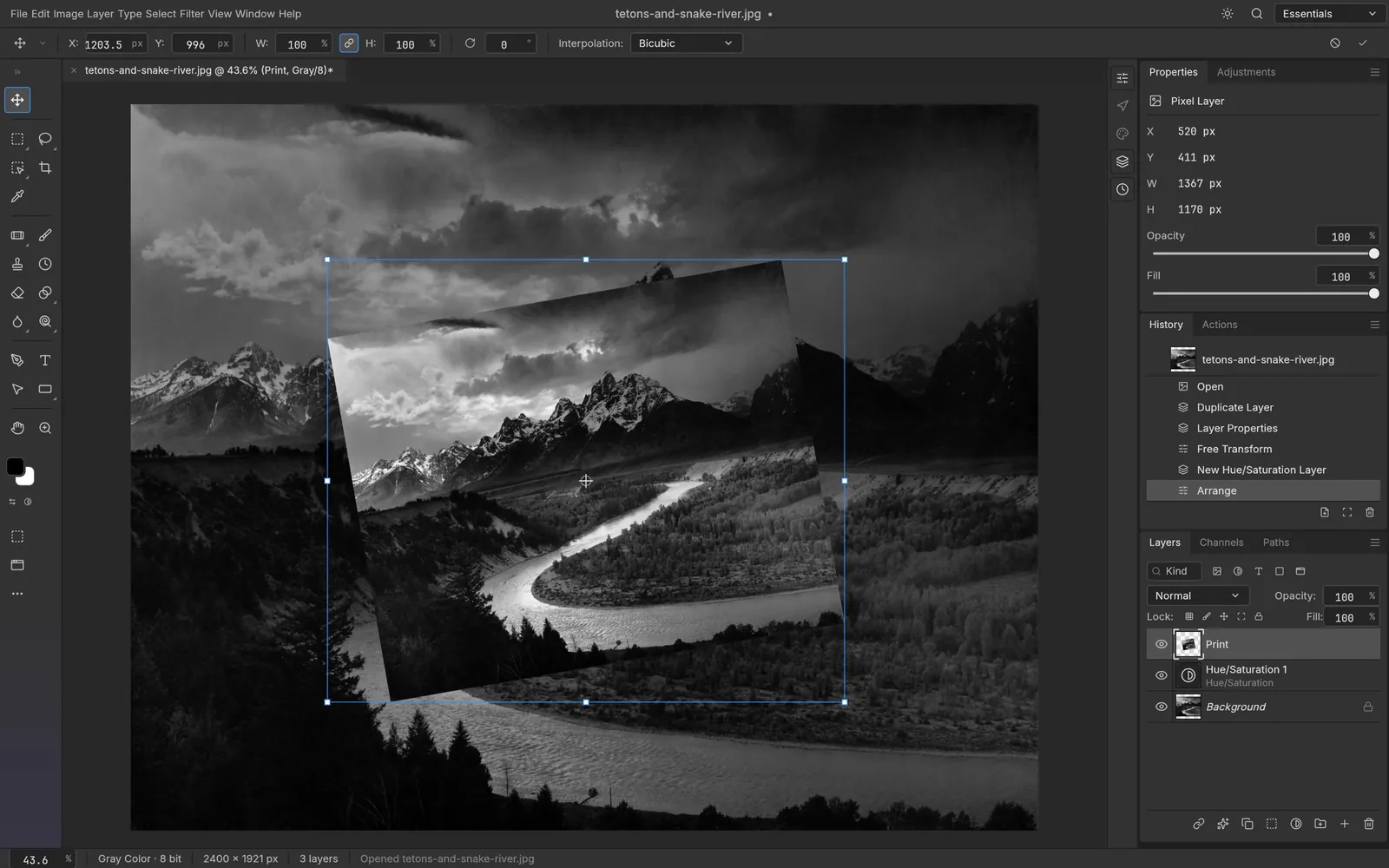
Transform
Screenshot from PhotoCraft (MIT OR Apache-2.0) · artwork: The Tetons and the Snake River, Ansel Adams, 1942 (public domain) · ATTRIBUTION
New tools and formats
- Remove tool, with non-local patch completion.
- OpenRaster (.ora): open and save.
- EXR: the Cryptomatte layers list, decoded and hashed to the specification.
- TGA: saves the document's alpha channel as 32-bit alpha, and a 32-bit Targa opens with its alpha as "Alpha 1", as in Photoshop.
Coming from Photoshop
- Shortcut import: on first launch, PhotoCraft asks before importing your Photoshop shortcuts (
.kys). - Cmd held gives you the Move tool while you use the painting tools, and Cmd+Alt duplicates.
- Tools: pressing a tool key brings back that group's last-used tool.
- Zoom tool: double-click to zoom to 100%.
- Selections: Feather uses the radius as the Gaussian's sigma, and Select › Modify › Smooth and Border now match Photoshop.
Masks and selections
- Select and Mask: CPU refinement is four times faster.
- Properties panel: density and feather controls for pixel masks.
- Masks: you can target a new layer mask, and the mask and the pixels keep separate color pairs.
- Layer masks: double-clicking a layer mask can open Select and Mask, depending on a preference.
- Smart selection: if it finds nothing, your selection is kept.
Layers and editing
- Rasterize: Layer › Rasterize now acts on every selected layer.
- Layer commands follow the selection, not just the active layer.
- Smart objects: applying Image › Adjustments to a smart object records a smart filter.
- Saving: layered edits of flat images now default to PSD on Save. Save As to a flat format keeps the layered original.
- Clone Stamp: opacity and flow are exposed and applied to strokes.
- Pen pressure curve: a new setting in Preferences › Tools shapes how pen pressure reaches every brush.
Web build
- The JPEG XL DNG decoder was left out of the wasm build, which shrinks it from 25.1 MB to 24.3 MB.
For the complete list, see the full release notes. Ready to update? Download PhotoCraft 0.7.0.
Sources
Every factual claim in this article is taken from these upstream files. If something here disagrees with them, the upstream source wins.
PhotoCraft Hub is an unofficial community site. PhotoCraft is made by the ArtCraft team; screenshots are from the PhotoCraft repository (MIT OR Apache-2.0) and show public-domain artwork.