

Moving from Photoshop to PhotoCraft: a migration guide
How to switch from Photoshop to PhotoCraft 0.7.0: import your .kys shortcuts, bring over PSD files, patterns and LUTs, find menus with the command palette, and know the current limits.
Updated 2026-10-11 · PhotoCraft 0.7.0
PhotoCraft is designed to feel familiar to Photoshop users: its README describes it as "the open-source image editor you already know how to use." This guide covers the practical steps for switching over, plus the limits you should know about first.
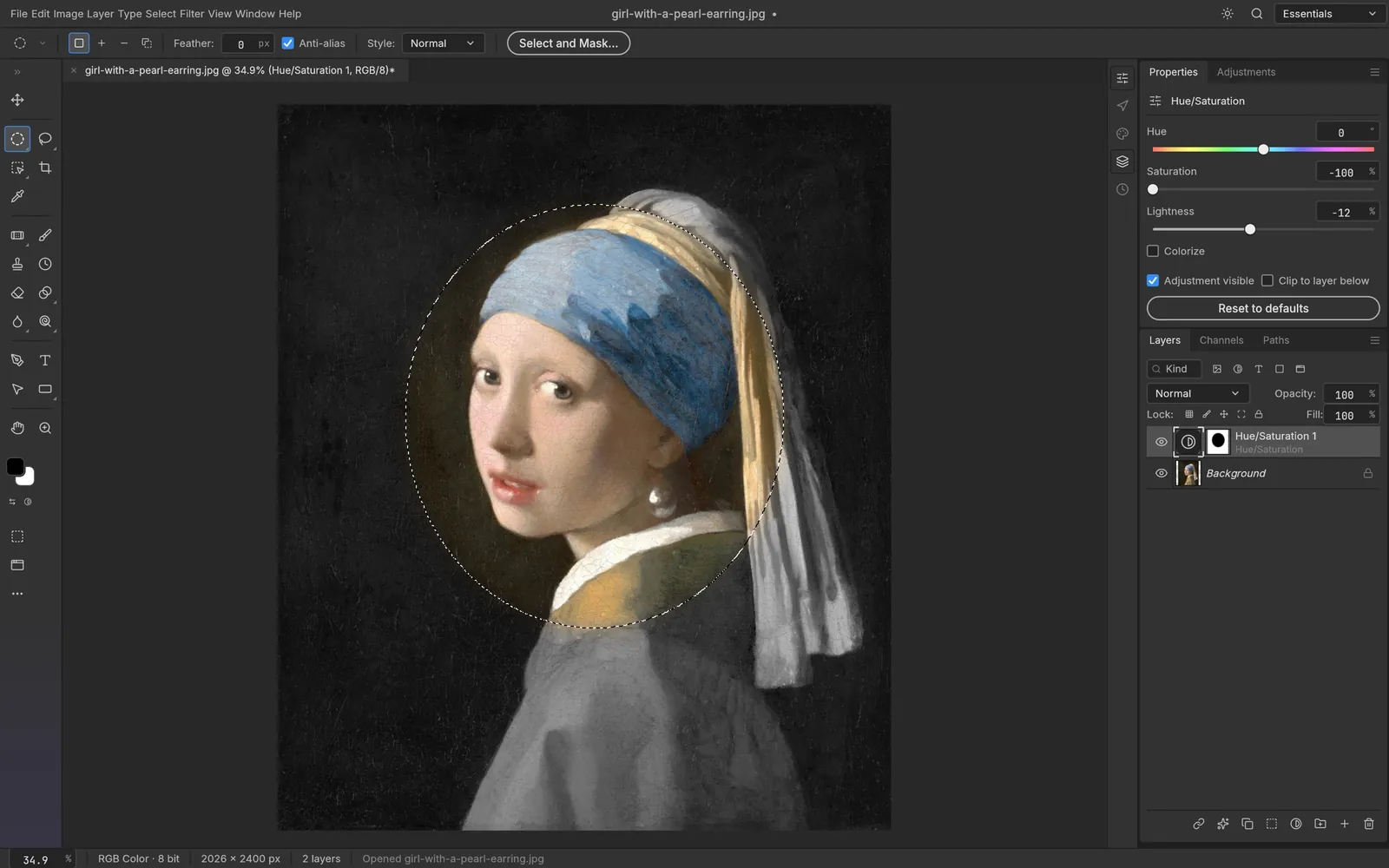
Masks and selections
Screenshot from PhotoCraft (MIT OR Apache-2.0) · artwork: Girl with a Pearl Earring, Johannes Vermeer, c. 1665 (public domain) · ATTRIBUTION
1. Install PhotoCraft
Follow the installation guide. Downloads come from the official GitHub release.
2. Bring your keyboard shortcuts
PhotoCraft's defaults already follow Photoshop (see the cheat sheet). If you use a custom set:
- In Photoshop, save your set as a
.kysfile (Edit › Keyboard Shortcuts › Save Set). - In PhotoCraft, open Edit › Keyboard Shortcuts… (Cmd+Alt+Shift+K) and click Import Shortcuts…. You can also open the
.kysfile with File › Open or drop it on the window. - The import fills the dialog. Click OK to apply it, or Cancel to discard it.
If Photoshop is installed on the same computer, PhotoCraft offers to import its current set the first time it launches. It never applies the set without asking.
3. Open your PSDs and test a round trip
PSD and PSB files open with layers, masks, styles, type and smart objects (see opening PSD files). The project lists PSD fidelity as its top gap before beta, so keep your originals and check a re-saved copy before you rely on it.
4. Bring patterns and LUTs
- Patterns: import and export
.patfiles. You can also create patterns with Edit › Define Pattern, and patterns stored in PSDs are read as well. - Color Lookup: load
.cube,.3dland.lookfiles. - Brushes: create brush presets and use Define Brush from Selection.
5. Find any command
Press Cmd/Ctrl+F (Edit › Search…) to open the command palette. The README says every menu item, tool and dialog runs a command from a single registry of more than 500 commands.
6. Know what's different
Before you switch for client work, check the project's list of known gaps against Photoshop. It includes PSD acceptance in Photoshop, interactive performance, brush feel, some missing tools, Camera Raw depth, generative AI features, and Photoshop plug-ins (.8BF, UXP). See PhotoCraft vs Photoshop.
Sources
Every factual claim in this article is taken from these upstream files. If something here disagrees with them, the upstream source wins.
PhotoCraft Hub is an unofficial community site. PhotoCraft is made by the ArtCraft team; screenshots are from the PhotoCraft repository (MIT OR Apache-2.0) and show public-domain artwork.
NextAdjustment layers and non-destructive editing in PhotoCraft